

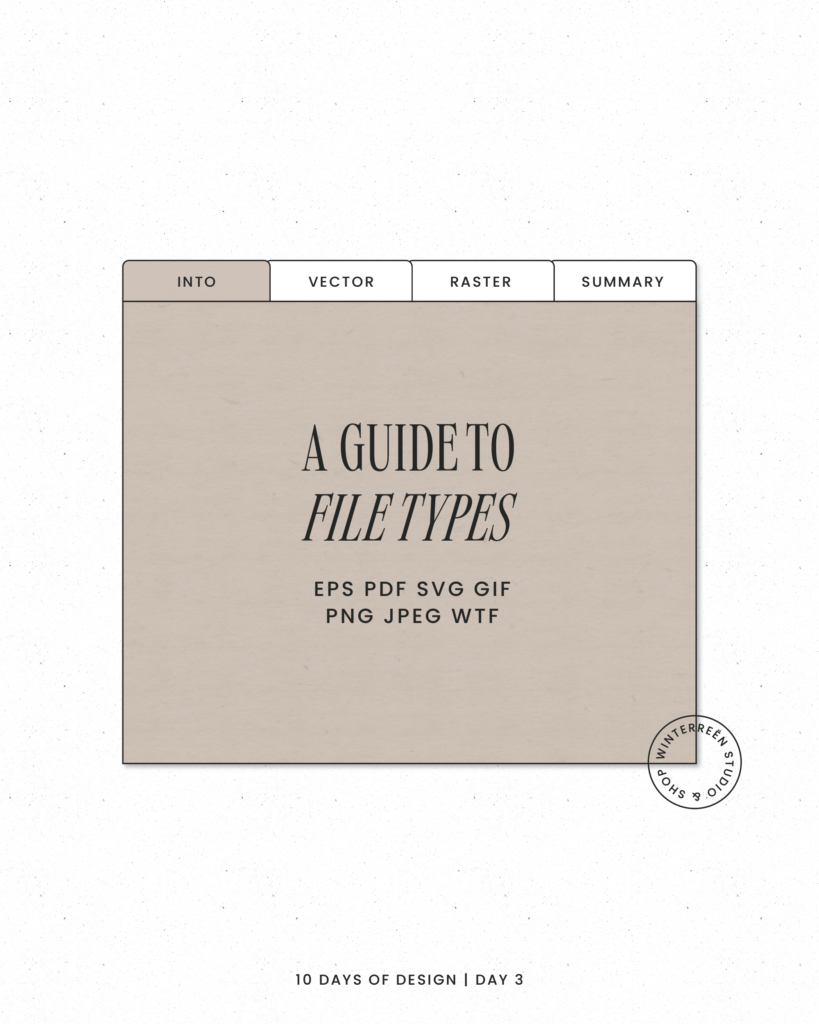
When it comes to brand assets, understanding file types is essential for quality and flexibility across different platforms. Here’s a breakdown of key file types and how they fit into your branding needs.
- Vector Files (SVG, EPS, PDF)
Vector files are composed of scalable lines and shapes, making them perfect for logos, icons, and other design elements that need resizing.
SVG (Scalable Vector Graphics): Great for web use, scalable without losing quality.
EPS (Encapsulated PostScript): Common for print; keeps resolution intact for high-quality printing.
PDF (Portable Document Format): Versatile, supports both vector and raster elements, ideal for sharing designs without losing quality.
When to Use Vector Files: For any design that requires resizing, including logos, print materials, or any large format graphics. - Raster Files (PNG, JPEG, GIF)
Raster files are pixel-based, meaning they’re resolution-dependent and may lose quality when resized.
PNG (Portable Network Graphics): Best for web use; supports transparency, making it ideal for logos and icons on colored backgrounds.
JPEG (Joint Photographic Experts Group): Great for photographs and web images; doesn’t support transparency but has good compression for web use.
GIF (Graphics Interchange Format): Limited color range; suitable for simple animations but less commonly used for branding.
When to Use Raster Files: For web graphics, photos, and images with complex color gradients. - Choosing the Right File Type for Different Uses
Web: Use PNG or SVG for logos and icons (SVG is preferred for scalability).
Print: Use vector files like EPS or PDF to ensure clarity and color fidelity in high-resolution formats.
Social Media: JPEG or PNG work well for images that need compression without losing quality.
Large Format Printing: Use EPS or PDF to avoid pixelation when scaling up. - Quick Tips for File Management
Always Keep Original Files: Maintain original vector files for editing and high-quality printing.
Export in Multiple Formats: Save in JPEG, PNG, and PDF formats to cover various uses.
Optimize for Web Use: Compress files where possible to avoid slow loading times online.
Knowing your file types ensures your brand elements look polished everywhere—from social media to print materials! With the right formats, you’ll have consistent quality no matter the platform.
